
1 month of X Subscription (Super tier) free
$100 value

150,000+ people read and watch my AI tutorials. This membership is the fast track: Copy my AI workflows and take recurring work off your plate this afternoon.
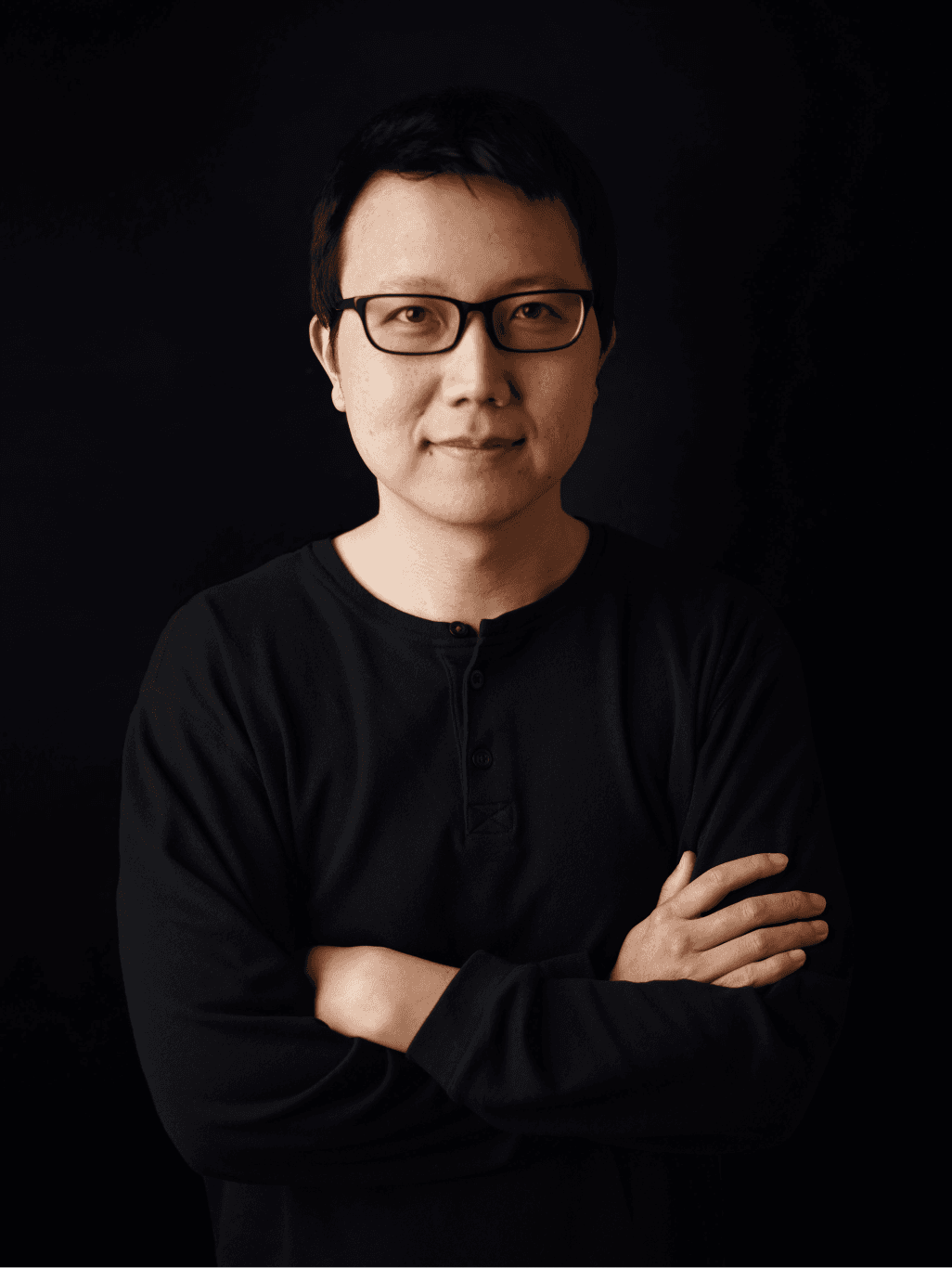
I know what it feels like to come home after a busy day at work to learn AI at night. Every week, there’s a new model, tool, and workflow you’re supposedly behind on.
People often ask how I balanced a full-time job, a creator business, and two kids. The truth is that I built my own AI workflows that take recurring work off my plate and help me run my one-person $1M+ business.
I built this membership so you can copy the same workflows without spending months stitching together prompts, tutorials, and tools. You also get a full year of live workshops and direct access to me as AI changes.
Build an AI chief of staff to manage your inbox, calendar, and other tasks.
Set up an AI advisor to make better decisions about your life and career.
Find work to automate by building a plan and mapping out the steps.
Create reusable skills and chain them together to automate entire workflows.
Make AI proactive by copying my best work and personal AI workflows.
Build an AI chief of staff to manage your inbox, calendar, and other tasks.
Peter helped me turn AI from a collection of tools into a practical system for how I work. His workflows are clear, immediately useful, and designed to take recurring work off your plate.
 Nickey SkarstadSenior Director of Product at Duolingo
$100 value

$60 value

$75 value

$42 value

$90 value
$96 value
$34 value
I'm learning a ton from Peter's AI lessons, even after spending two decades in product. He's sharing some valuable insights on building in this new AI era. Plus, he cracks me up!
 Ryan RoslanskyEVP at Microsoft · Former CEO of LinkedIn
Seeing Peter's own workflow was really inspiring. Learning the specific AI prompts he uses gave me practical ideas I could immediately apply to my own productivity.
 Frank TisellanoProduct Manager at Google Gemini
Peter shares his learnings, prompts, and workflows in a way that makes them easy to emulate and apply right away.
 Romina da CostaHead of AI at n8n
You want AI to take recurring work off your plate without becoming another thing to keep up with.
You want to learn how to use AI agents to run your business while staying lean.
You want to automate the boring parts of content creation while still applying your taste and craft.
$200/year
Personal AI course with 25+ lessons
A full year of new workflows and updates
18 AI skills and prompts
Monthly live workshops and recordings
Private community with me and 500+ others
$600+ in AI tool discounts and 100+ paid posts
$1,000+
Endless Zoom sessions
No new content after the course ends
No reusable AI skills
No live workshops after the course ends
No access to the instructor after the course ends
No AI tool discounts or ongoing benefits
Both. You get my Personal AI course with 25+ lessons that you can take at your own pace and a full year of workshops, community, newsletter access, and updates.
You’ll build an AI chief of staff and advisor, identify recurring work to automate, turn your best workflows into reusable skills, and copy the workflows I use to run my business.
Free tutorials give you individual ideas. The membership gives you everything in one place: A structured course, copyable skills and workflows, my paid newsletter, live workshops, community, and direct access to me.
You can cancel your renewal anytime and keep access through the end of your paid year. If it's not for you, email me within 30 days of joining and I'll give you a full refund.


